Why Is Volume Shader Slow, Black or Frozen? 8 Fixes
Fix very low FPS, a black or frozen canvas, missing WebGL 2.0, disabled acceleration, the wrong GPU, battery limits and overheating.

If Volume Shader BM Test has very low FPS, a black canvas or a frozen frame, work through these checks in order. They separate a workload that is simply too heavy from a browser or GPU setup problem.
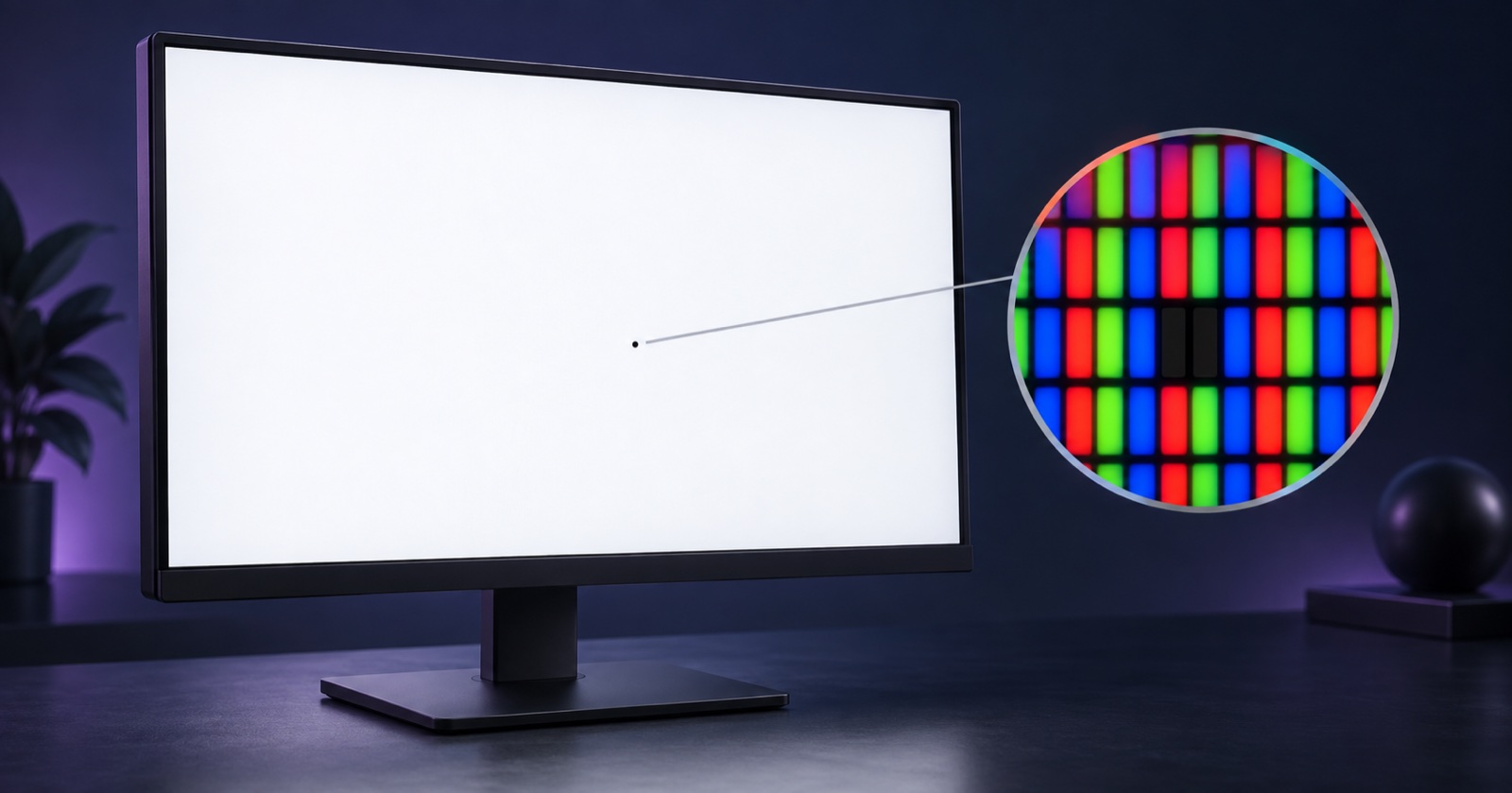
A fixed black or colored dot on your screen can be checked with our dead pixel check guide. It explains how to inspect physical screen pixels and record what you find.
Quick answer
- The browser is using your integrated GPU instead of the dedicated one.
- Hardware acceleration is off in browser settings.
- You're in Heavy or Extreme on a device that should be in Light or Medium.
- Thermal throttling — laptop on battery, phone overheated.
- Another tab (video, Maps, WebGL ad) is competing for the GPU.
- WebGL 2.0 is unavailable or the graphics context was lost.
- A browser extension is interfering with canvas or GPU rendering.
- The browser or GPU driver needs an update.
1. Wrong GPU is being used
On laptops with both integrated and dedicated graphics, Chrome / Edge / Firefox often default to the integrated GPU to save battery. Open chrome://gpu (or edge://gpu) and look at "GL_RENDERER". If it shows Intel UHD / Iris while your machine has an NVIDIA or AMD GPU, set the browser to prefer high performance in your OS graphics settings.
2. Hardware acceleration is disabled
In Chrome / Edge: Settings → System → "Use graphics acceleration when available". In Safari: there's no toggle, but make sure you're not in Private Browsing on some older macOS versions, which disables WebGL acceleration.
3. Test mode is too heavy
Heavy and Extreme run over a thousand shader iterations per pixel. A low frame rate in those modes is not automatically an error. For a baseline, run Light first, then move up one mode at a time. See the FPS result guide for how to interpret the metrics.
4. Thermal throttling
Plug laptops into power before a Heavy run and turn off battery saver. Phones and thin laptops reduce GPU clocks as heat builds, so let the device cool before comparing another run. The phone GPU test guide explains the Android and iOS checks.
5. Background tabs stealing GPU
A YouTube video or Google Maps tab in another window will steal frame budget. Close them, reload Volume Shader BM and run again.
6. WebGL 2.0 is unavailable, black or frozen
If the canvas stays black, shows one frozen frame or reports that WebGL is unavailable, open the WebGL GPU test guide. Confirm WebGL 2.0 and hardware acceleration, then reload the page. A lost graphics context can also recover after closing other GPU-heavy tabs and restarting the browser.
7. A browser extension is interfering
Privacy, script-blocking, canvas-protection and GPU-overlay extensions can block or alter WebGL. Try a clean browser profile or disable extensions for this site, then run the same mode again. Re-enable extensions one at a time to find the conflict.
8. The browser or GPU driver is out of date
Update the browser and GPU driver, restart the browser, and verify WebGL acceleration again. If only one browser fails, test another current browser to separate a browser-specific issue from a device-wide graphics problem.
Re-run the test
After applying a fix, measure again to see the difference.
Run Volume Shader BM Test again →