Blog - Volume Shader Benchmark
Explore WebGL 2.0 Raymarching techniques, volume rendering tutorials and GPU performance testing guides

Understanding WebGL 2.0 Raymarching Rendering
Deep dive into WebGL 2.0 Raymarching technology, learn how to use SDF signed distance fields for real-time volume rendering, and how this technique pushes GPU performance to the limit.
Latest Articles
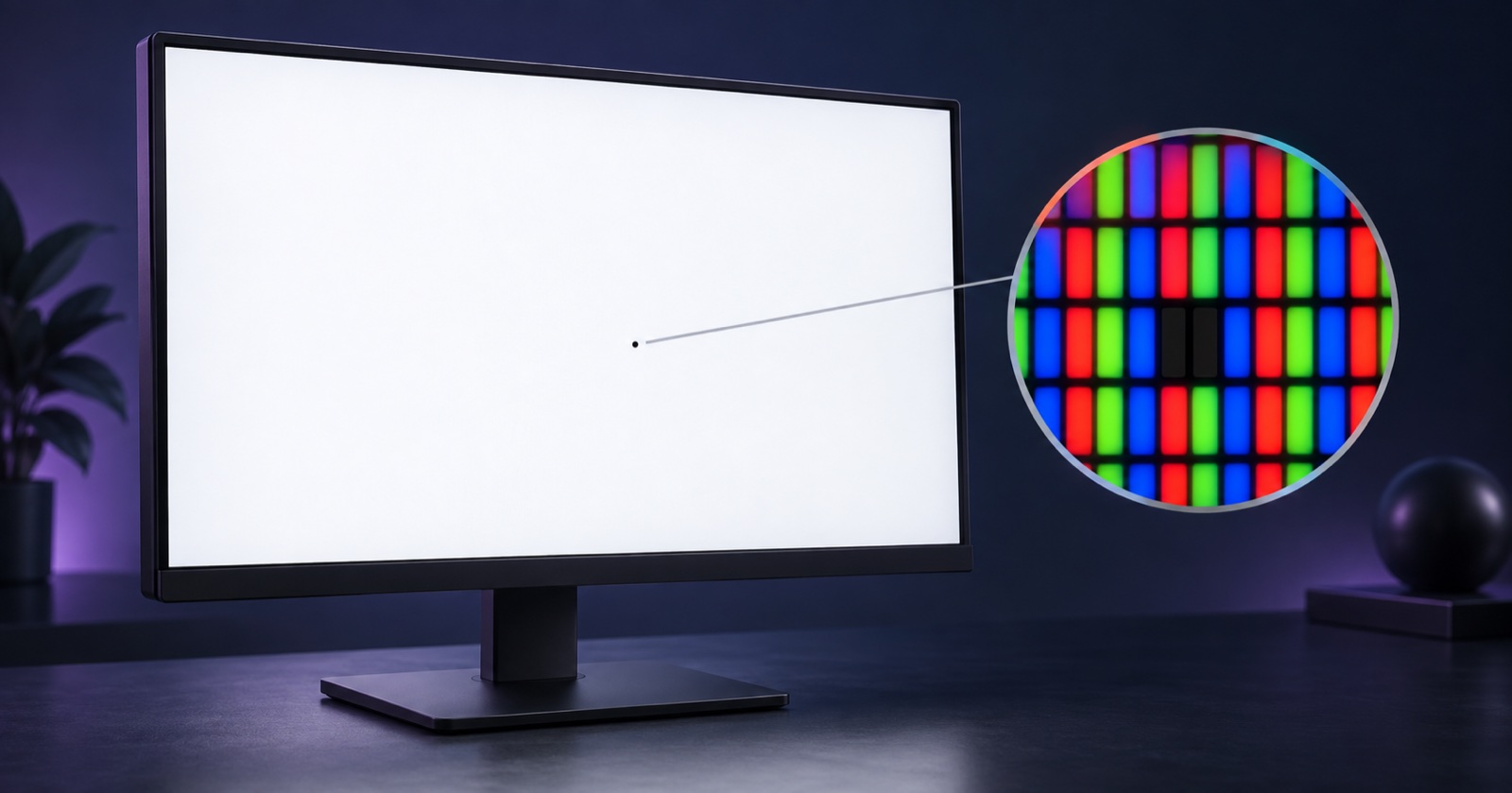
Dead Pixel Check: How to Test Your Screen for Dead or Stuck Pixels
Check your screen with solid colors, identify persistent dark or bright dots, and record pixel issues separately from browser GPU performance.

MacBook WebGL GPU Test Results
MacBook Air M1 and M2 browser GPU reference rows, test conditions, fanless thermal notes and fair comparison rules.

iPhone Browser GPU Test Results
iPhone Safari Light-mode reference data, thermal throttling notes and a practical protocol for fair mobile GPU testing.
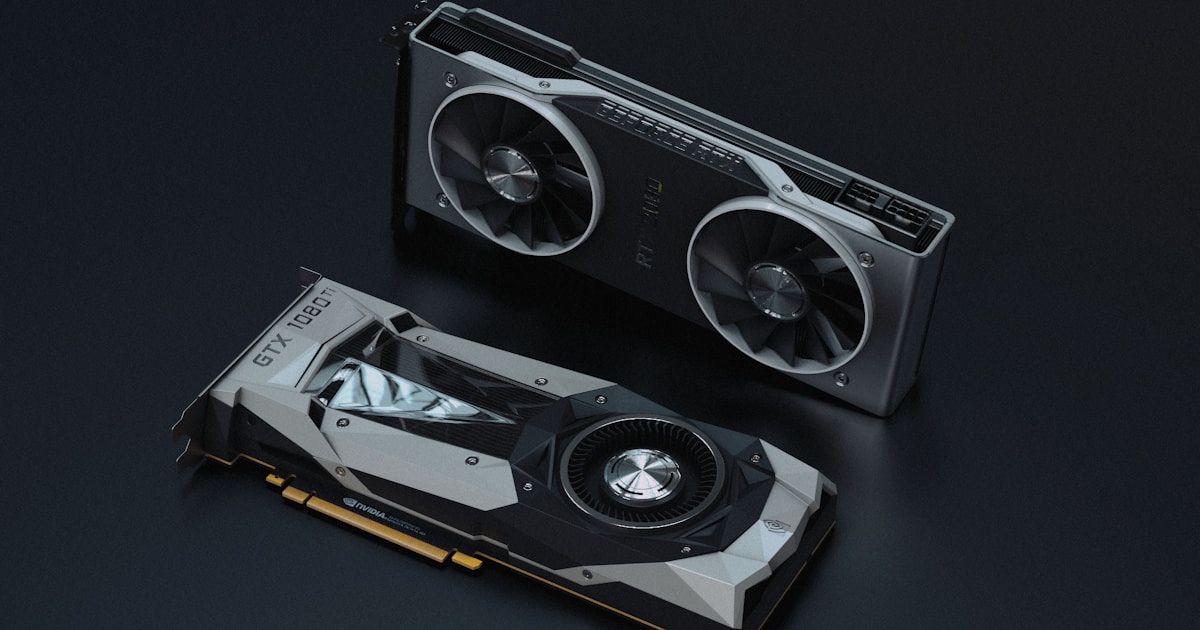
Integrated GPU vs Dedicated GPU in Browser Benchmarks
How to tell whether the browser is using integrated or dedicated graphics, with Light and Heavy mode reference rows.
Why First Run Scores Are Lower: Shader Compilation Explained
Why the first browser GPU run can be lower, how shader compilation affects FPS, and why public rows should use warm results.
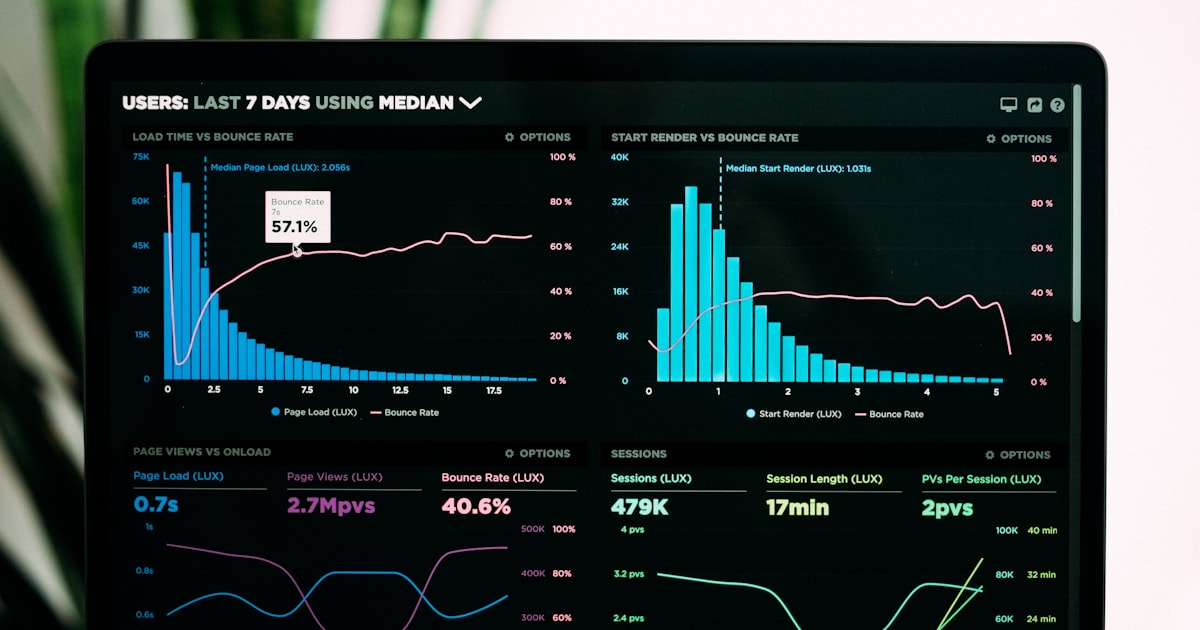
What Volume Shader BM Does Not Measure
A clear boundary page explaining why this benchmark is not a game FPS, ray tracing, VRAM or CPU benchmark.

What Is Volume Shader BM? Meaning & FPS Explained
Volume Shader BM is a browser GPU test. Learn what its FPS measures, how the original and current engines differ, and try it here.

Volume Shader Test FPS Result Guide
How to read your result — FPS tiers, frame time, stability, and what actually changes the score.

Why Is Volume Shader Slow, Black or Frozen? 8 Fixes
Fix very low FPS, a black or frozen canvas, missing WebGL 2.0, disabled acceleration, the wrong GPU, battery limits and overheating.

Phone GPU Test: iPhone & Android Browser Benchmark
Run the current WebGL 2.0 test on iPhone or Android. Choose a fair mode, control heat and power, then save FPS, frame time and stability locally.

WebGL GPU Test: Check WebGL 2.0 & Hardware Acceleration
Check WebGL 1.0 and 2.0 support, GPU rendering details and hardware acceleration before running a browser GPU benchmark.